
Set up the Data Union Pay wallet
To participate in cross-border micropayments, you first need a compatible digital wallet. The Data Union Framework operates on the Streamr Network and Ethereum blockchain, meaning your wallet must support ERC-20 tokens and interact with decentralized applications (dApps).
Select a non-custodial wallet that supports Ethereum and ERC-20 tokens. Popular options include MetaMask or WalletConnect-compatible mobile wallets. Ensure the wallet is installed and secured with a strong password or hardware key.
You need Ethereum (ETH) to pay for gas fees on the network. Even if you are receiving stablecoins, transactions require a small amount of ETH to process. Purchase ETH from a reputable exchange and transfer it to your wallet address.
Data Union Pay typically uses stablecoins like USDC or DAI for micropayments to avoid volatility. Import the specific token contract address for the stablecoin used by the Data Union Pay interface into your wallet. This ensures you can hold and transfer the correct currency for data sharing.
Navigate to the official Data Union Pay web interface. Use the "Connect Wallet" button to link your selected wallet. Verify that the network is set to Ethereum Mainnet (or the specific Layer 2 network if applicable) to avoid transaction failures.
Once connected, your wallet acts as your identity and payment method within the ecosystem. You can now proceed to configure your data-sharing preferences and receive micropayments for your contributions.
Link your creator profile to the union
Connecting your identity to the Data Union ecosystem requires binding your off-chain content credentials to your on-chain wallet. This process ensures that revenue from cross-border micropayments is distributed correctly to the rightful creator. The binding happens through a cryptographic agreement signed directly from your wallet.
Begin by connecting your Web3 wallet (such as MetaMask) to the Data Union Pay interface. This establishes the on-chain address that will receive your share of the data revenue. Ensure you are using the correct network supported by the Streamr Network.
Proceed to the identity verification module. You must prove ownership of the content or data source you wish to monetize. This step typically involves linking your social media profiles, content platform accounts, or submitting a digital signature that matches your off-chain identity to the wallet address.
Once verified, sign the smart contract agreement. This transaction cryptographically binds your identity to the wallet. It authorizes the Data Union framework to attribute future data usage and micropayment revenues to your specific profile. After signing, your creator profile is active and ready to receive payments.
This binding mechanism is central to the Data Union Framework, which relies on Ethereum and the Streamr Network to power applications where people earn by sharing unique data. By securing this link, you ensure that the compensation generated from your personal data income is accurately routed to you.
Configure payout preferences and fees
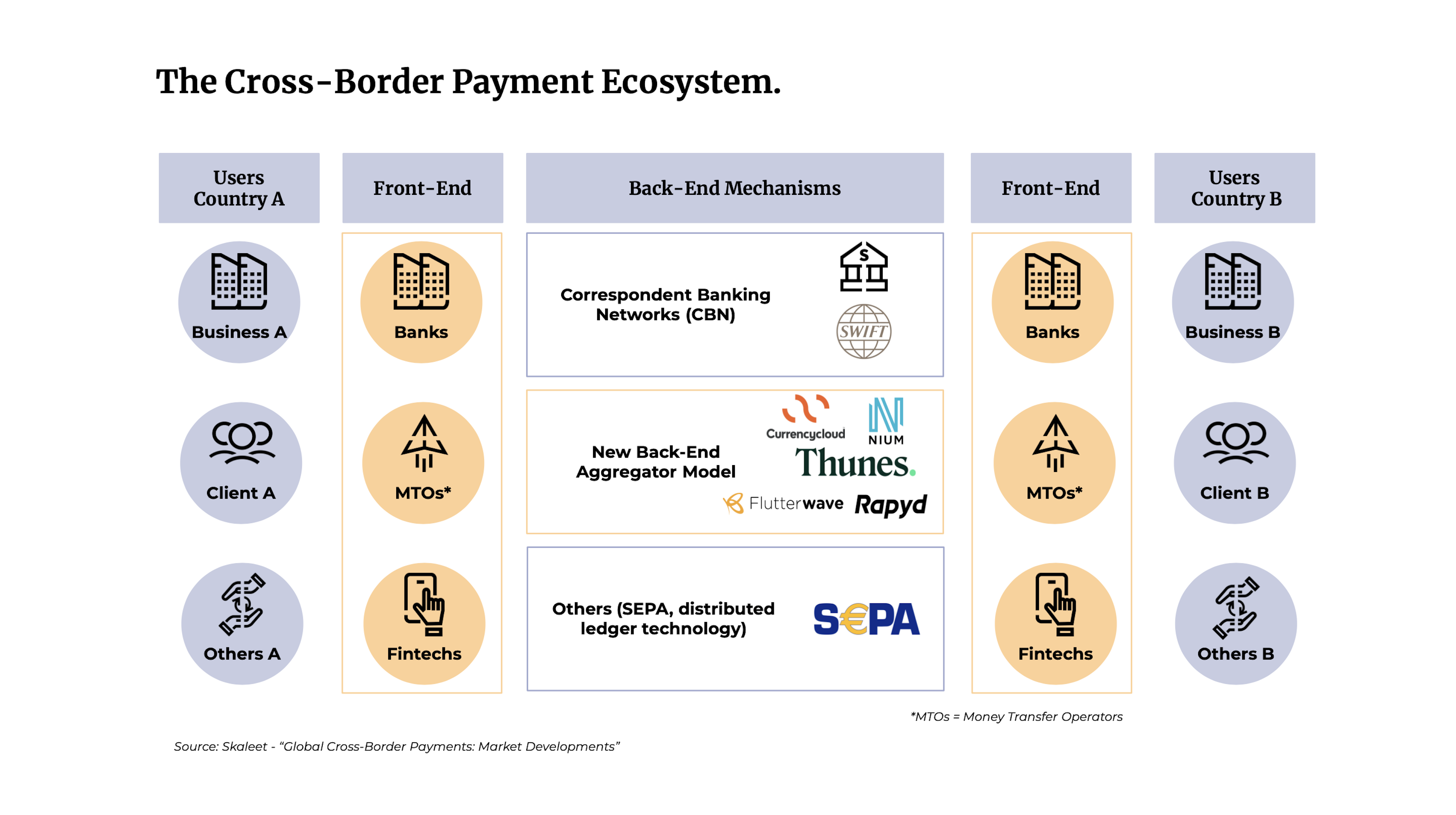
Data Union Pay simplifies cross-border micropayments by letting creators choose their preferred stablecoin and understanding the fee structure upfront. This setup ensures you receive payments in a currency you trust, without the hidden costs of traditional banking.
Choose your stablecoin
Creators can select from supported stablecoins like USDC or DAI for payouts. This flexibility allows you to avoid the volatility of cryptocurrencies like Bitcoin while still benefiting from blockchain efficiency. Selecting a stablecoin aligns your earnings with a familiar value benchmark, making accounting and tax reporting more straightforward.
Understand the fee structure
Data Union Pay operates on a low-cost model designed for micropayments. Unlike traditional services that charge high percentage fees or fixed per-transaction costs, Data Union Pay leverages blockchain technology to keep fees minimal. This is particularly advantageous for cross-border transactions, where traditional banks often impose wire fees and unfavorable exchange rates.
Compare costs side-by-side
To visualize the advantage, here is how Data Union Pay compares to traditional cross-border payment methods:
| Method | Avg. Fee | Speed | Cross-Border Cost |
|---|---|---|---|
| Data Union Pay | <1% | Minutes | Minimal |
| PayPal | 2.9% + $0.30 | 1-3 days | High |
| Wise | ~0.4% | 1-2 days | Moderate |
| Bank Wire | $15-$50 | 3-5 days | Very High |
Traditional methods like PayPal and bank wires often erode small payments with fixed fees or percentage charges. Wise offers a competitive alternative but still involves delays and potential intermediary bank fees. Data Union Pay’s structure ensures that more of the micropayment reaches your wallet, directly supporting the creator economy’s need for efficient, low-barrier transactions.
By configuring your payout preferences correctly, you maximize the value of each transaction. This setup is critical for creators relying on volume-based income models, where every cent saved on fees contributes significantly to net earnings.
Verify receipt of micropayment distributions
Once the Data Union pool processes your data contributions, earnings are distributed as micropayments on-chain. Because these transactions occur across borders and on decentralized networks, manual verification is necessary to confirm your share has arrived. This section outlines the exact steps to audit your wallet, trace transaction hashes, and reconcile your earnings against the pool’s public records.
Final Verification Checklist
Before closing your audit, ensure you have completed these final checks:
-
Wallet is connected to the correct Data Union network
-
Profile-linked wallet address is verified and copied
-
Transaction hashes found in the blockchain explorer
-
Earnings amount matches the pool’s payout report
-
Tax records updated for cross-border income
Common mistakes when using Data Union Pay
Cross-border micropayments on Data Union Pay rely on precise configuration. A single misstep can stall settlement or result in lost funds. The following errors are the most frequent causes of failure.
Selecting the wrong stablecoin
Data Union Pay operates primarily on Ethereum and compatible Layer 2 networks. If you attempt to send a payment using a stablecoin native to a different blockchain (such as USDC on Solana or Polygon) without bridging, the transaction will fail or the recipient will not receive the intended value. Always verify that the stablecoin you are holding is on the same network as the Data Union Pay contract. For example, using USDT on Ethereum Mainnet requires a different wallet configuration than using USDT on Arbitrum.
Ignoring network mismatch
Even with the correct stablecoin, a network mismatch is fatal. Sending ETH to a Data Union Pay contract deployed on Optimism via the Ethereum Mainnet will result in permanent loss. Always double-check the target network in your wallet settings before initiating the transfer. The official Streamr documentation provides a list of supported networks for each contract address. Treat the network selection like a routing number; it must match the destination exactly.
Overlooking gas fees
Micropayments are small by definition, but network gas fees are not. On Ethereum Mainnet, a single transaction can cost more than the payment itself. This makes Mainnet unsuitable for true micropayments. Use Layer 2 solutions like Arbitrum or Optimism where gas fees are fractions of a cent. If you attempt a $0.05 payment on Mainnet, you may spend $2.00 in fees, effectively destroying the value of the transaction. Always calculate the net value after fees before sending.
Skipping the test transaction
Never send a large amount on the first attempt. Always send a minimal test transaction (e.g., $0.01) to verify that the contract address, network, and stablecoin are correct. This small step prevents catastrophic errors. If the test transaction succeeds, you can confidently proceed with the full amount. This is a standard practice in high-stakes crypto operations and should never be skipped.
No comments yet. Be the first to share your thoughts!